My Child at School (MCAS)

Switching Between Children
If a parent has more than one child at the school, they will all be visible via the same MCAS Account.
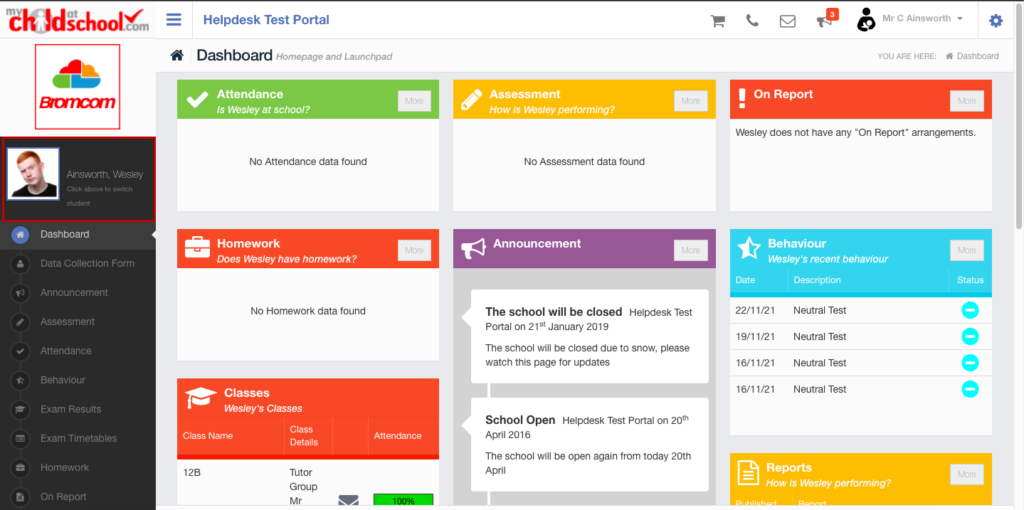
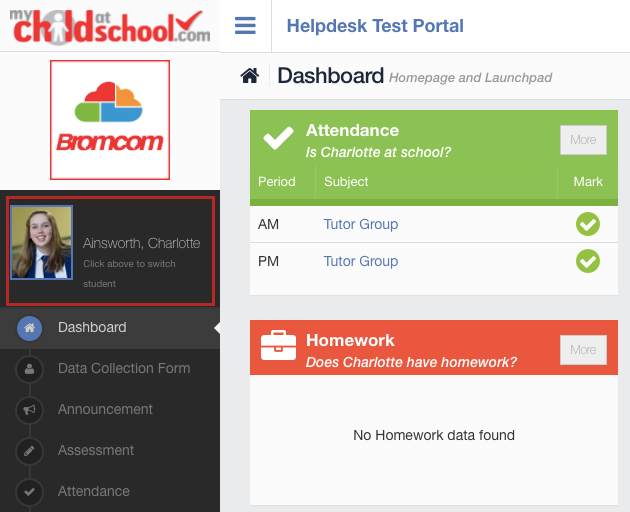
To switch to their other child, parents need to click on the child’s name on the top left of the Dashboard.
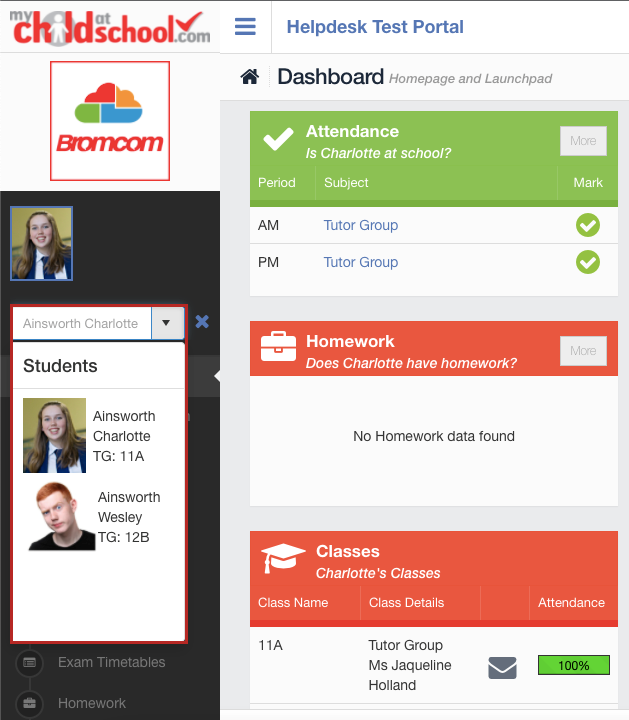
This will provide a drop-down where they can select another child, as seen below;
By clicking on the child’s name, the parent can now select one of their other children to view on MCAS.
Finally, by selecting the other Child, Parents will be able to view their data and switch between their children whenever they please.